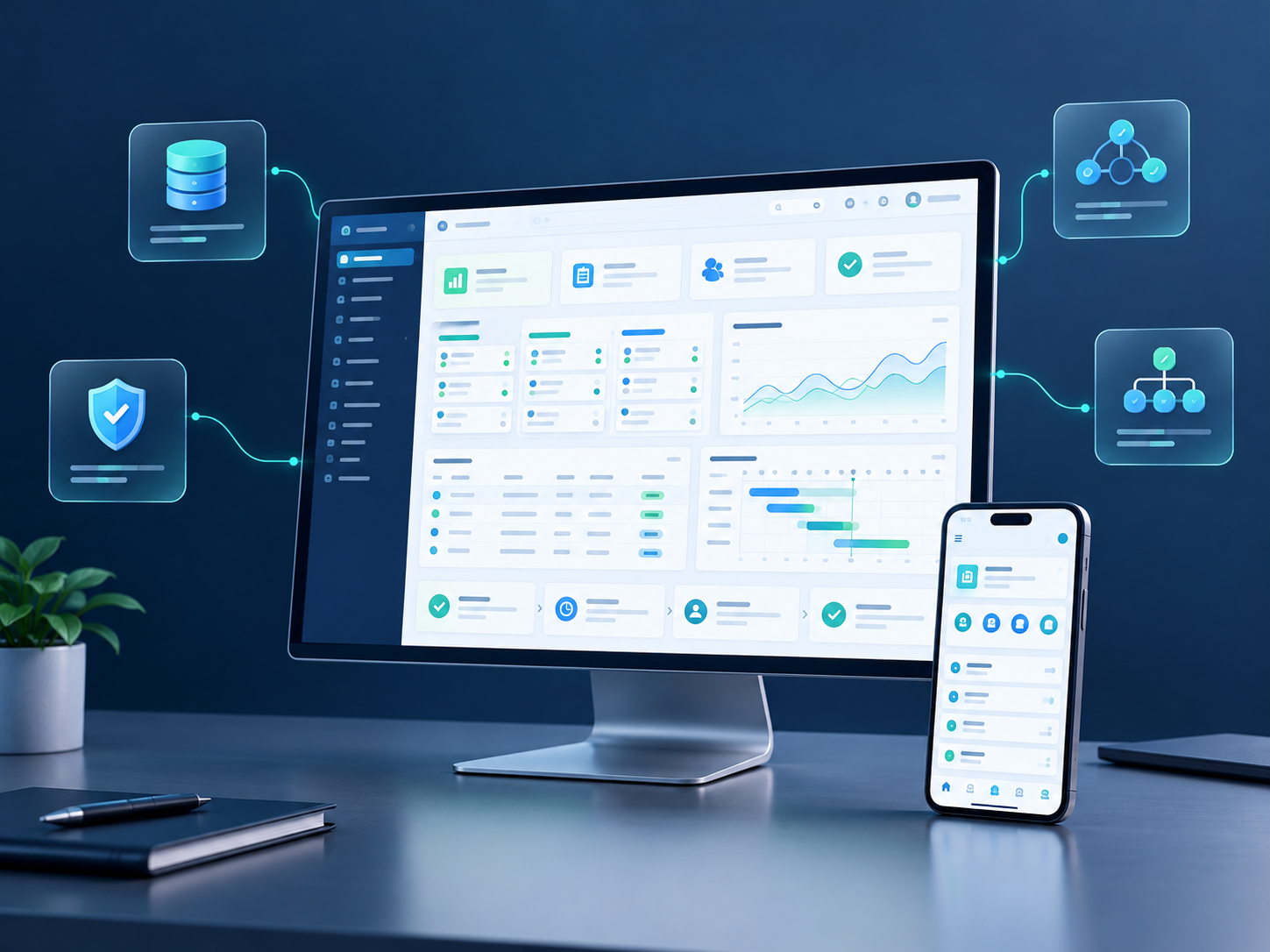
Services / Custom software
Software that fits your business, not a team working around the tool.
Start with one clear problem, then build what actually gets used.
When existing tools no longer fit and the team re-enters, re-sorts and re-checks information every day, we map the process first, then decide whether to configure, integrate or build.
Not every problem needs a new system.
Does this sound familiar?
- Customer, order and project records are spread across different spreadsheets.
- The same information is entered into several systems.
- Similar reports are assembled by hand every week.
- Handover happens by email or chat, so progress is hard to track.
- The current software has plenty of features but still cannot complete a key process.
- You want automation or AI but are unsure where to start.
We find the specific bottleneck first, then agree the smallest scope worth building.
What we can build
Internal management systems
Bring scattered information and actions into an interface the team can actually use.
- Customer and follow-up records
- Orders and delivery progress
- Projects and tasks
- Internal requests and approvals
- Business information lookup
Reports and dashboards
Organise key metrics from defined data sources and calculation rules, reducing manual report building.
- Data completeness and metric definitions are confirmed before the display is designed.
Integrations and data sync
Connect the website, forms, CRM, accounting or other tools where suitable APIs and permissions exist.
- Scope covers field mapping, duplicate handling, failure messages and ongoing maintenance, not just moving data.
Workflow automation
Turn repeatable steps with clear rules and stable input into a traceable process.
- Create a record and notify an owner when a form arrives
- Generate internal tasks from status changes
- Collate data and send scheduled summaries
- Prepare follow-up actions when conditions are met
AI-assisted features
Document handling, information extraction, drafting or internal knowledge lookup where it genuinely helps.
- Validated on real samples before entering a live process. Anything needing judgement stays with people.
Four things to settle before development
Who uses it?
Define user roles, how often they use it, and what each role can view and do.
Which problem does it solve?
Write the requirement as a verifiable goal, not a growing feature list.
Where does the data come from?
Confirm sources, formats, access rights and which system is the system of record.
What happens when something fails?
Define error messages, manual handling, operation logs and recovery, so the tool does not only work in ideal conditions.
How the project runs
01
Requirement review
Understand the current process, users, data sources and bottlenecks, and judge whether custom development fits.
02
Prototype and scope
Confirm the approach with a flow, sketch or small prototype, and write down features, permissions and acceptance criteria.
03
Staged development
Core flow first, then the features feedback shows are needed. Each stage stays reviewable and demoable.
04
Testing and acceptance
Check normal use, invalid input, permissions and edge cases, and accept against the agreed standard.
05
Deploy and hand over
Deliver the system, usage notes and technical material, and make maintenance responsibilities and dependencies explicit.
Delivery is more than code
Depending on the project:
- A running system or internal tool
- Role and permission configuration
- Agreed data import or integrations
- Logging of key actions and errors
- Deployment and environment notes
- User instructions
- Source code and technical documentation
- Ongoing maintenance and change process
Code ownership, third-party licences, hosting costs and support scope are all stated before the engagement starts.
Common questions
We already use Excel — do we need a system?
Not necessarily. If the spreadsheet solves the problem reliably, keep it. Assess alternatives when multi-user collaboration, permissions, repetition or data consistency become real problems.
Can you build just one small feature?
Yes. A tightly scoped tool is often the easiest way to prove value, and simpler to test and hand over.
Can it connect to our existing software?
The target system's API, permissions, plan limits and data conditions must be checked first; compatibility cannot be promised before that review.
Can we keep changing it as the business evolves?
Extensibility can be considered in the design, but new features still need scope, compatibility and cost assessment and are not included automatically.
What about sensitive data?
Data types, who can access them, where they are stored and any third-party processing are defined during requirements, which then set the technical approach and responsibilities.
You do not need to know what the system looks like — start with the slowest step.
Tell us how the work runs today, which tools you use, and the one task you most want to improve.